How to Recognize a Fake 88KA Website or APK Link
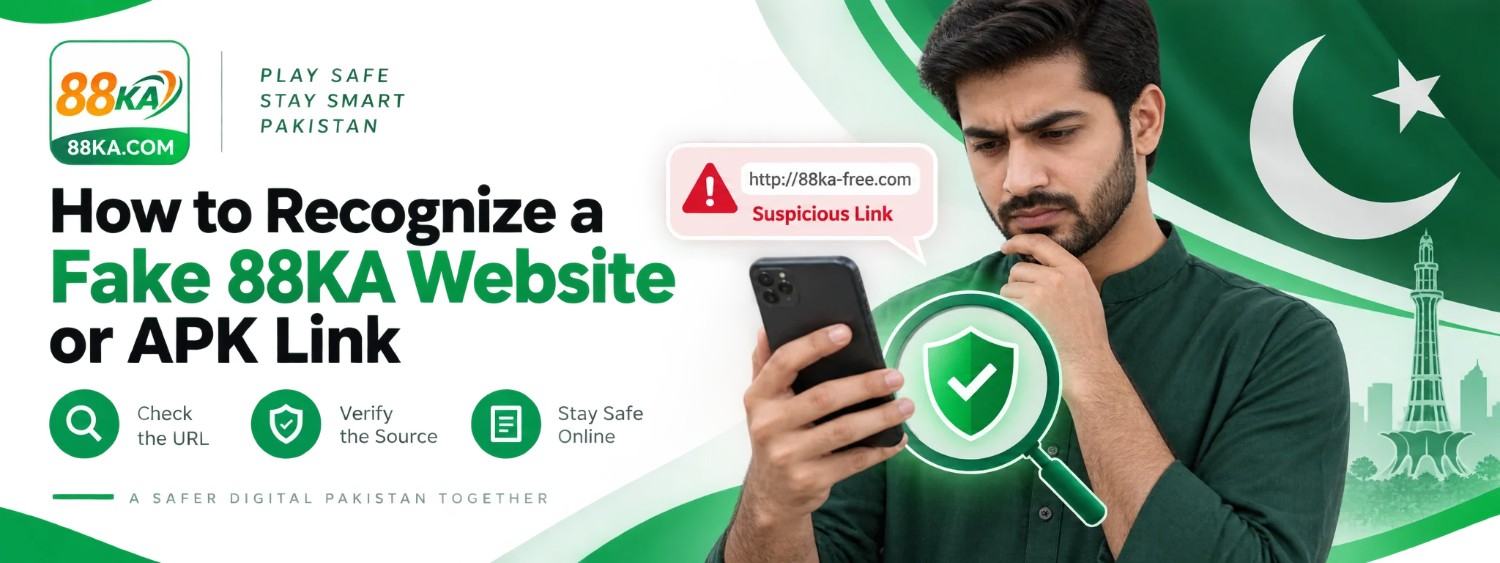
Fake 88KA Links: How to Check a Website or APK
A familiar logo does not prove that a website, social profile, or APK belongs to the service it names. Someone can copy a design and change only the domain or download file. That makes a fake link easy to miss on a phone, where the full address is often hidden. If you find an 88KA link through a message or search result, pause before signing in, paying, or installing anything. A few basic checks can protect your account and give you time to confirm where the link actually leads.
Read the complete address
Tap the address bar and inspect the domain itself, including the letters before and after the dot. Extra words, swapped letters, and unusual endings deserve attention. An HTTPS padlock indicates an encrypted connection; it does not prove that the person operating the site is trustworthy. A short link hides the final address, so be especially careful with links shared in groups or private messages.
Our website, 88ka.com.pk, is an independent information guide. Its address should not be mistaken for proof that another similarly named domain is an official app destination. Confirm any service link through a source you have independently verified.
Be cautious with urgent messages
Messages promising a limited bonus or warning that your account will close in minutes may try to push you into acting before you check the link. Do not enter a password through a page opened from an unexpected message. Never give an OTP to someone in a chat or call. A genuine support process should not require your password to investigate a website typo or general payment question.
Check the APK before installing
An APK file name can be changed by whoever shares it. Compare the file source with the source you intended to use. Read the app name, install prompt, and permission requests on Android. Cancel if the installer asks for access that seems unrelated or if your phone gives a security warning you do not understand. Do not disable broad protections just to open an unknown file.
If you downloaded a file but have not installed it, you can delete it and start your checks again. If you installed a suspicious app, stop entering information, remove the app, review your phone’s security alerts, and change any password you entered using a separate verified route.
Check payment requests separately
A person who contacts you first and gives you a wallet number may be impersonating support. Do not send money to a number just because the message includes a logo, screenshot, or transaction story. Compare any payment destination with details displayed in the service you independently opened. Retain a receipt if you have already paid, and take the issue to the provider or verified operator channel.
What to do if you entered your details
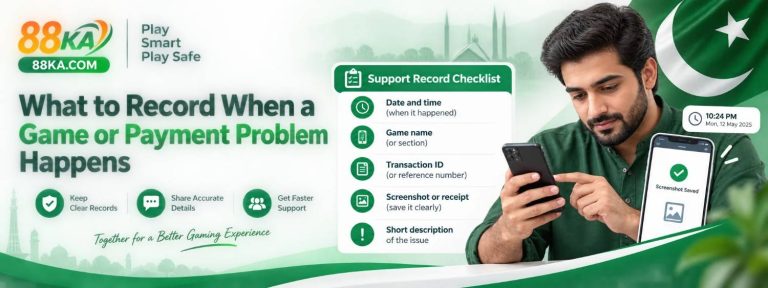
Change the affected password using a known login route, especially if you reuse it elsewhere. Review account activity and contact the relevant service if you notice something unfamiliar. If you shared a payment credential or made an unauthorized transfer, contact your bank or wallet provider promptly through its official channel. Keep screenshots of the link and messages for your report, but do not post sensitive details publicly.
The safest habit is a slow one: check the address, confirm the source, and decide whether the requested action makes sense before you continue.